Back Office Tours Daily
Content
- How to find the tour gruop
- How to change the tour group capacity
- Information you can get here
How to find the tour gruop
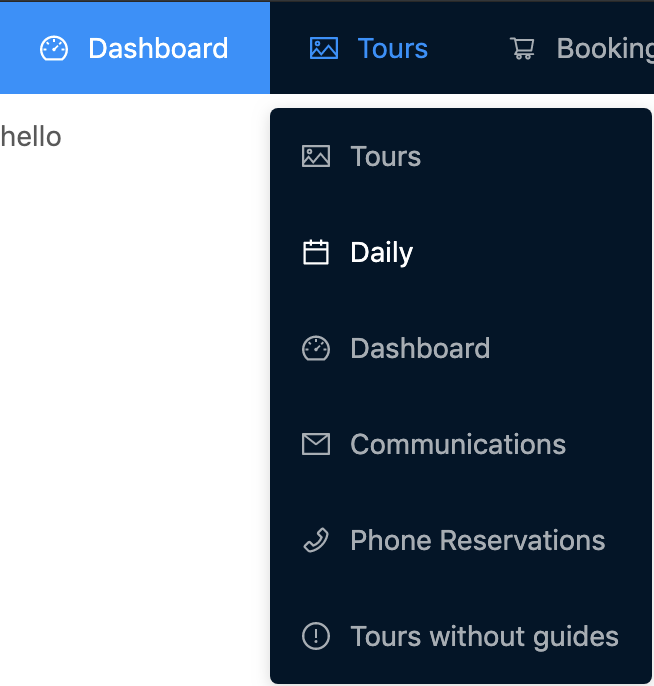
BackOffice -> Tours -> Daily
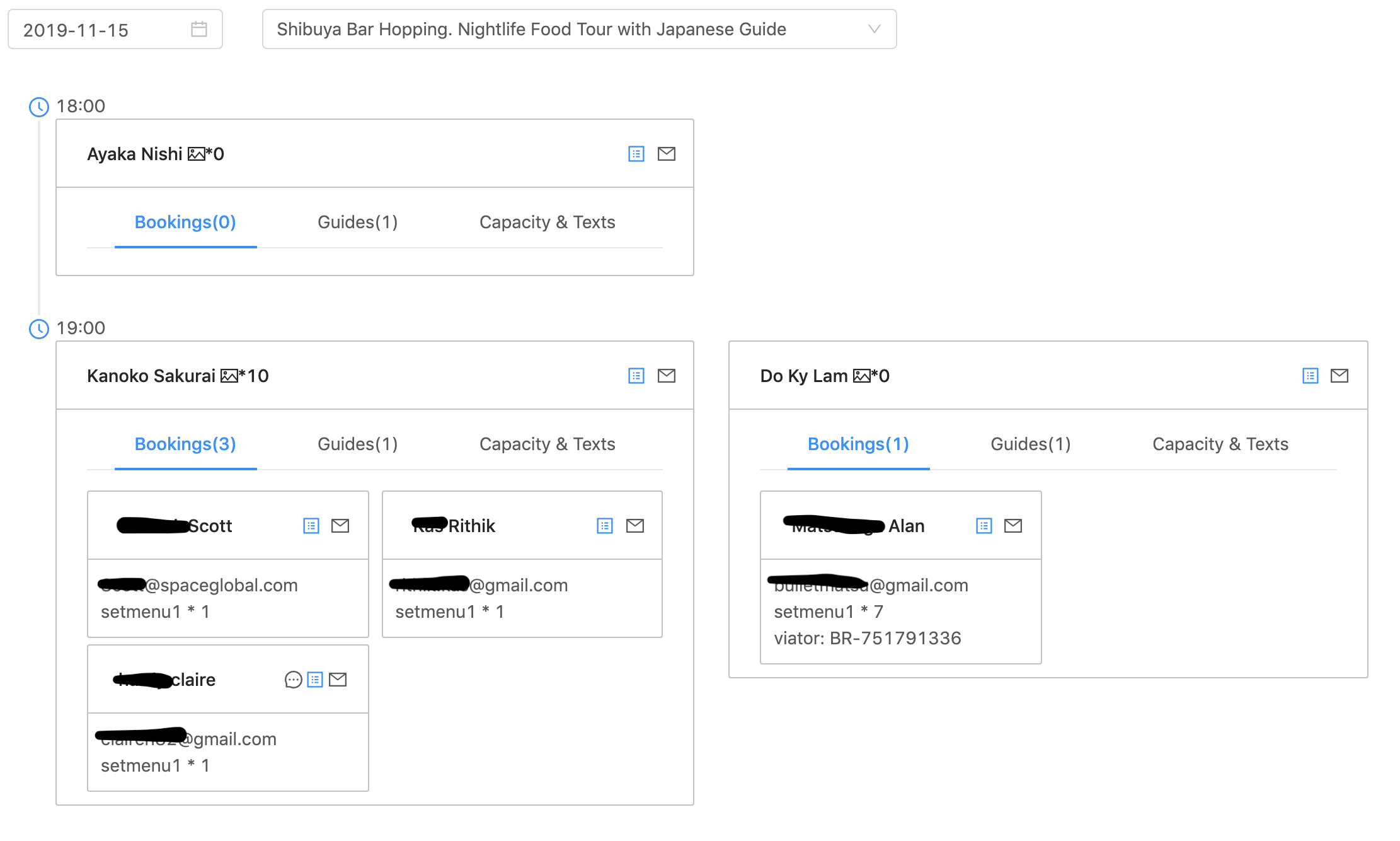
- Select the tour date
- Select the tour
How to change the tour group capacity
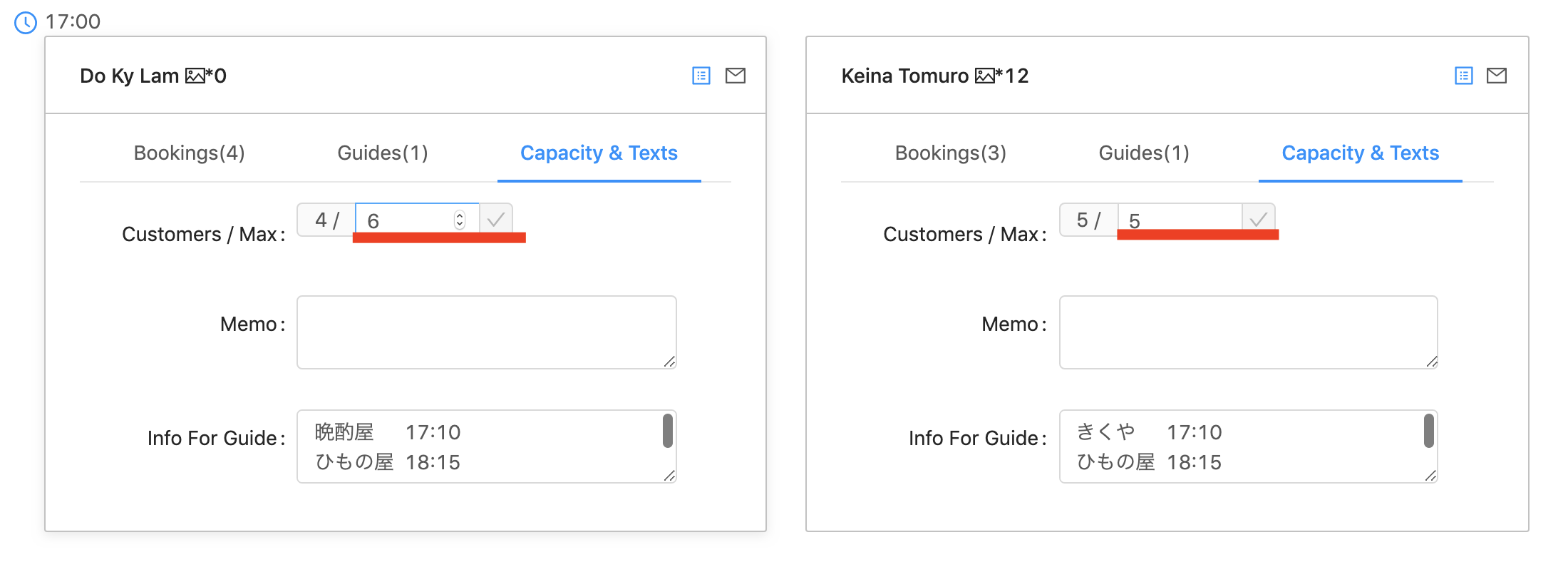
BackOffice -> Tours -> Daily -> Capacity & Texts
- Select the tour date
- Select the tour
- Change Capacity click check
Information you can get here
- Number of Tour Groups on the date
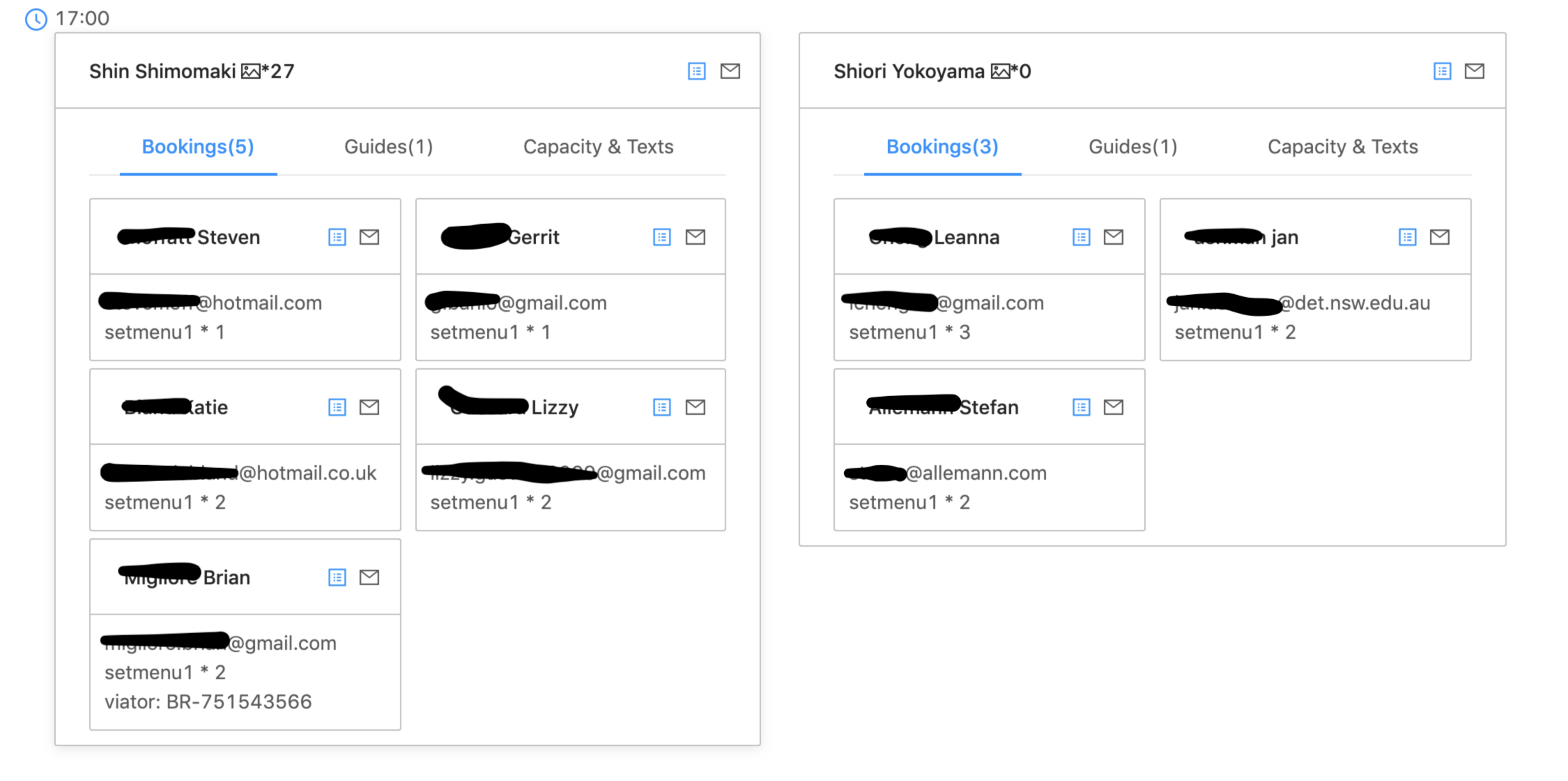
This shows we have two different tour groups from 17:00 on this day
- Number of Customers in the tour gruop and Capacity of the tour group

This shows one group has 8 customers against 8 as capacity, and the other group has 7 customers against 7 as capatity
- Number and Name of Assigned Guide
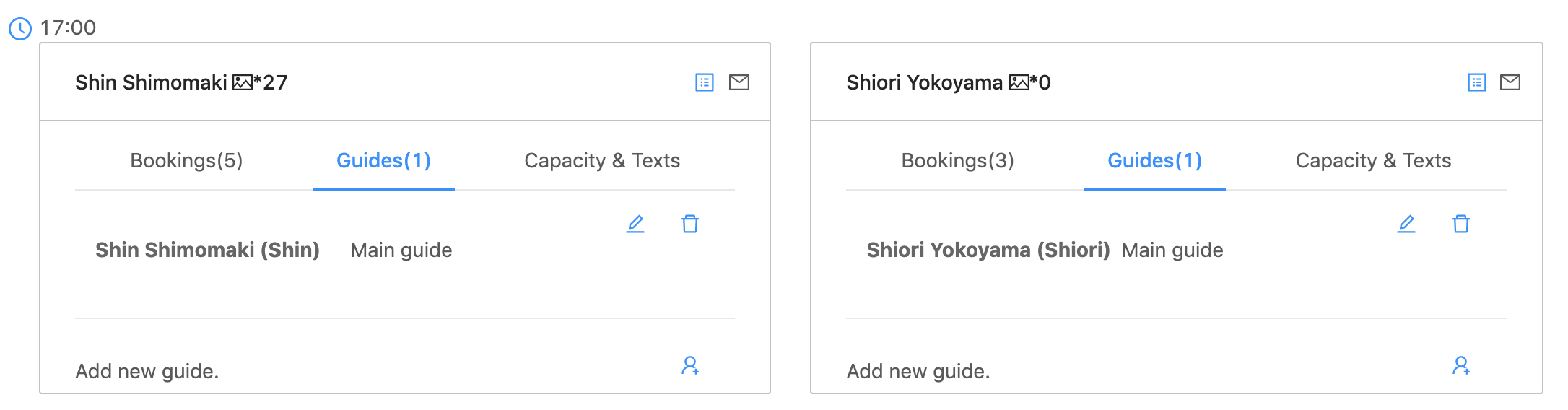
This shows Shin is assigned to the one group, and Shiori is assigned to the other group.
Both tours have only one guide each